Skip to content

  • Home
  • Blog
  • Tutorials
  • Forum
  • Start Creating
  • Tutorial: How to remove the background from a photo
    Web Tutorials

    How to remove the background on a photo

    ByRibbet September 30, 2022November 8, 2022

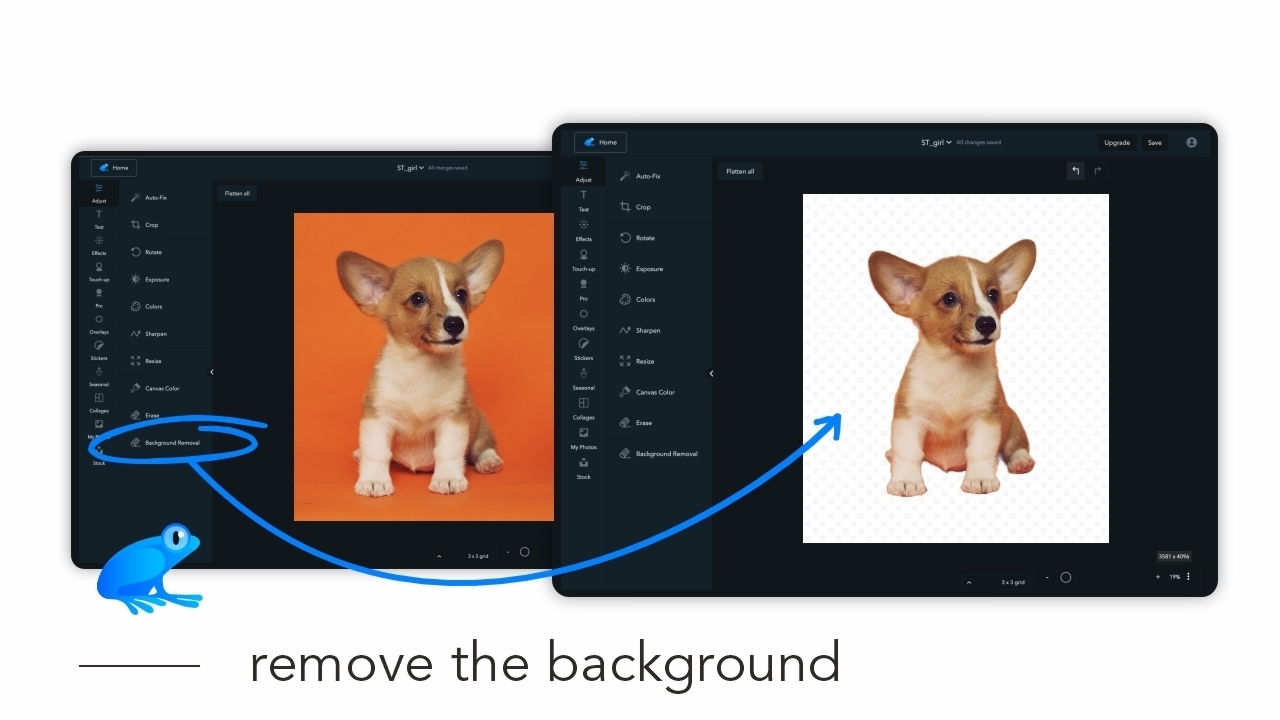
    In this tutorial you will learn how to remove a background from a photo. First open your image in Ribbet and then follow these steps: Select Adjust from the left bar and then click Background Removal Click the Apply button once the photo has been processed

    Read More How to remove the background on a photoContinue

  • Latest Fixes and Feature Updates Live in September
    New Features

    Latest Fixes and Feature Updates Live in September

    ByRibbet September 28, 2022September 29, 2022

    We’re committed to making Ribbet better and better for all our users and are happy to share the following updates are now live on Ribbet for Web (on desktop computers): When uploading a single image, it now loads into the editor instantaneously while the upload is done in the background Flattening All and Applying of…

    Read More Latest Fixes and Feature Updates Live in SeptemberContinue

  • Tutorial How to use the clone tool
    Web Tutorials

    How to use the Clone tool

    ByRibbet September 27, 2022November 7, 2022

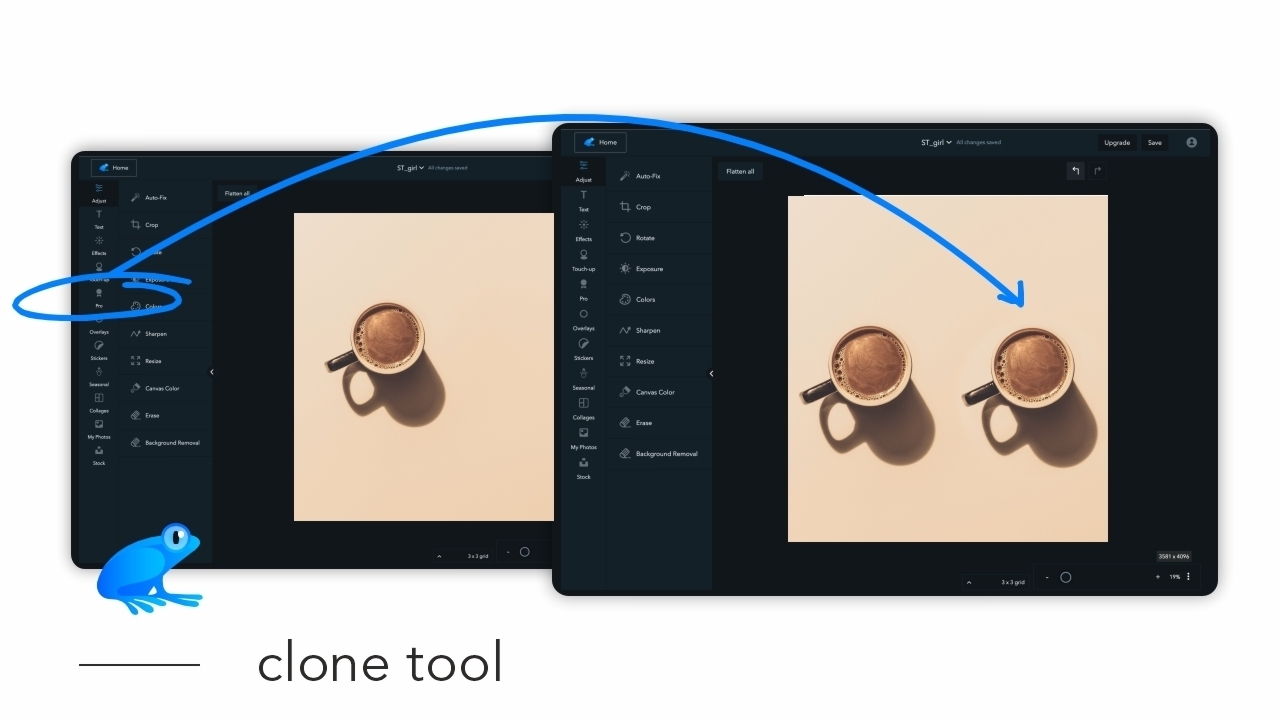
    In this tutorial we show you how to use the Clone tool to remove unwanted objects in your image. First open your image in Ribbet and then follow these steps: Select Clone from the Pro menu on the left bar Click the area of your image you want to Clone from Paint over the area…

    Read More How to use the Clone toolContinue

  • How to erase from an effect
    Web Tutorials

    How to erase from an effect

    ByRibbet September 22, 2022December 22, 2022

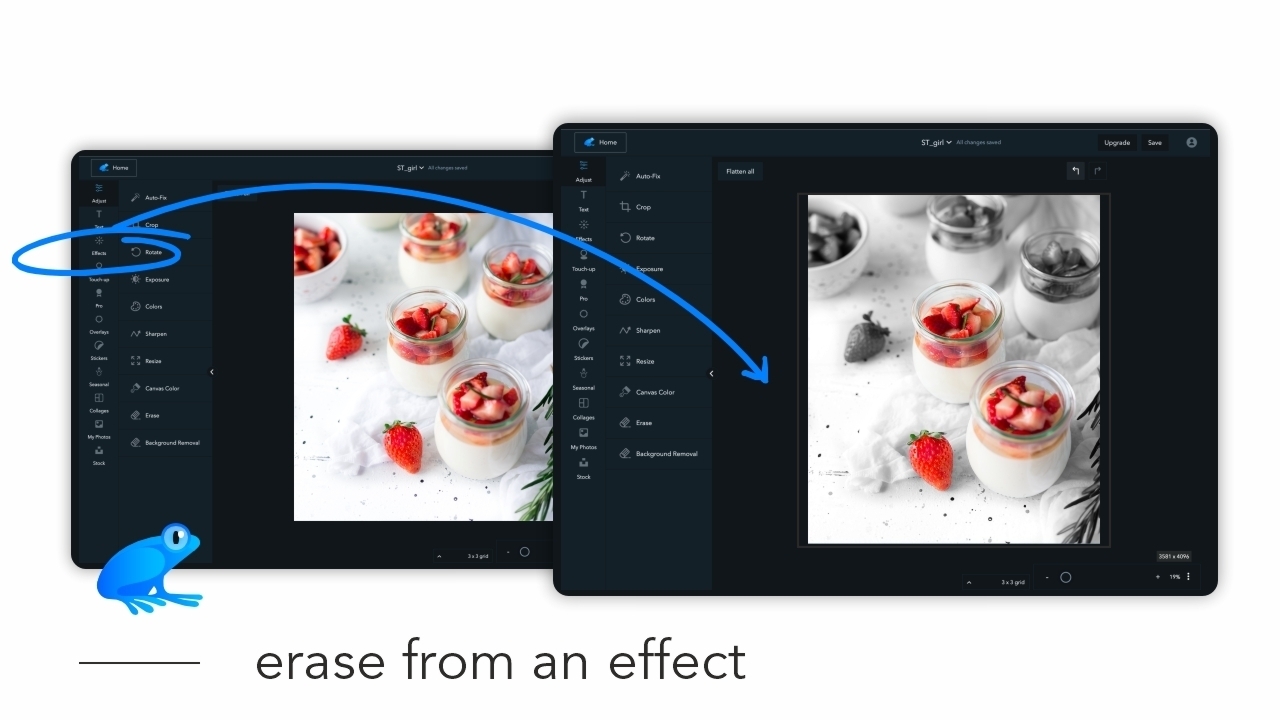
    In this tutorial we will demonstrate how you can selectively apply an effect to an area of your photo. First open your image in Ribbet and then follow these steps: Click Effects on the left bar and select the effect you want to apply Click the Paint tab at the top of the right panel…

    Read More How to erase from an effectContinue

  • How to save your project
    Web Tutorials

    How to save your project

    ByRibbet September 21, 2022December 22, 2022

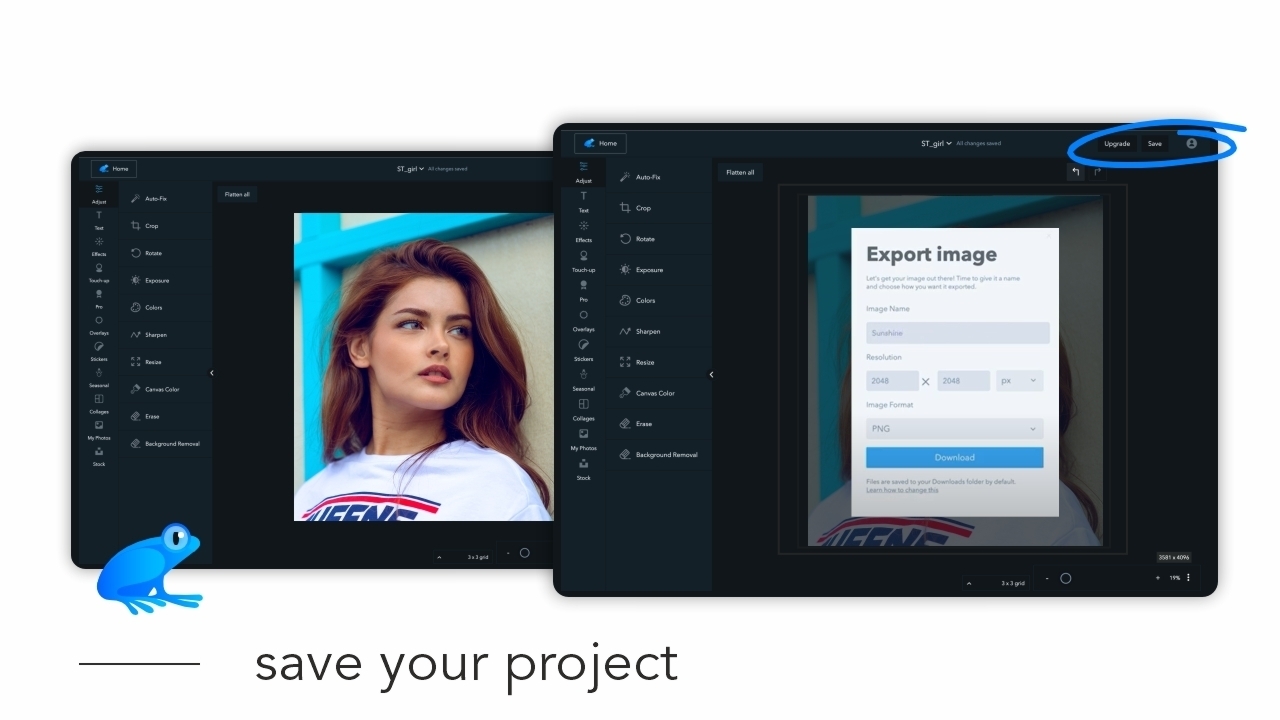
    We’re kicking off a new series of tutorials for our browser-based version. Each tutorial will contain a brief video, and text of the steps outlined in that video. In this first tutorial we’ll run you through how to save your project (i.e. how to export an image to your computer). To save your project, first…

    Read More How to save your projectContinue

  • Sina Domke, Professional Photographer – The most important thing is that you really feel the image, what you create
    Interviews

    Sina Domke, Professional Photographer – The most important thing is that you really feel the image, what you create

    ByRibbet September 9, 2022September 9, 2022

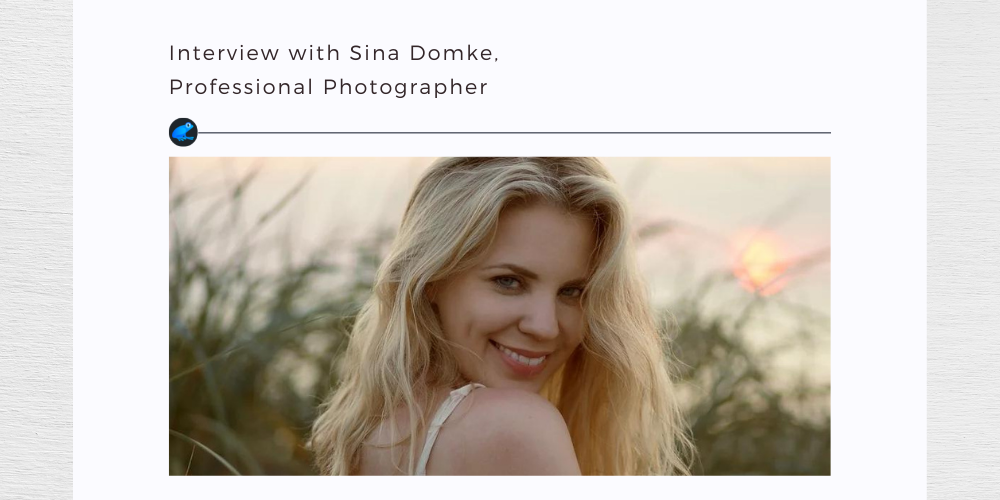
    German photographer Sina Domke discovered her passion for photography in 2014, when she started taking pictures as a side project.

    Read More Sina Domke, Professional Photographer – The most important thing is that you really feel the image, what you createContinue

  • Tim Cavadini, Professional Photographer – “To work out a good picture of someone or something you always have to fall a little in love”
    Interviews

    Tim Cavadini, Professional Photographer – “To work out a good picture of someone or something you always have to fall a little in love”

    ByRibbet August 23, 2022August 23, 2022

    Tim Cavadini is an Austria-based photographer who has been passionate about photography since he was just 10.

    Read More Tim Cavadini, Professional Photographer – “To work out a good picture of someone or something you always have to fall a little in love”Continue

Page navigation

Previous PagePrevious 1 … 4 5 6 7 8 … 16 Next PageNext

Recent Posts

  • Bulk Editor – BETA invite & Release notes
  • Have your Product photos stand out on ETSY
  • Adjustment Tools: How to Sharpen your Pet’s Photos
  • Ribbet Guide to Photography: How to do a Boho themed Family Photo
  • Ribbet announces the 3 winners of its 2023 Emerging Photographer Competition!

Recent Comments

  • zuzubird on Have your Product photos stand out on ETSY
  • zuzubird on How to change the Canvas color
  • Ribbet on How to change the Canvas color
  • zuzubird on How to change the Canvas color
  • Olivia on Ribbet launches Ribbet.ai, a suite of free AI-powered photo editing tools

Archives

Categories

© 2026 Ribbet

Cleantalk Pixel
  • Home
  • Blog
  • Tutorials
  • Forum
  • Start Creating