Home / Forums / Feature Requests / Three Dimensional Rotation of Objects
 Ribbet.
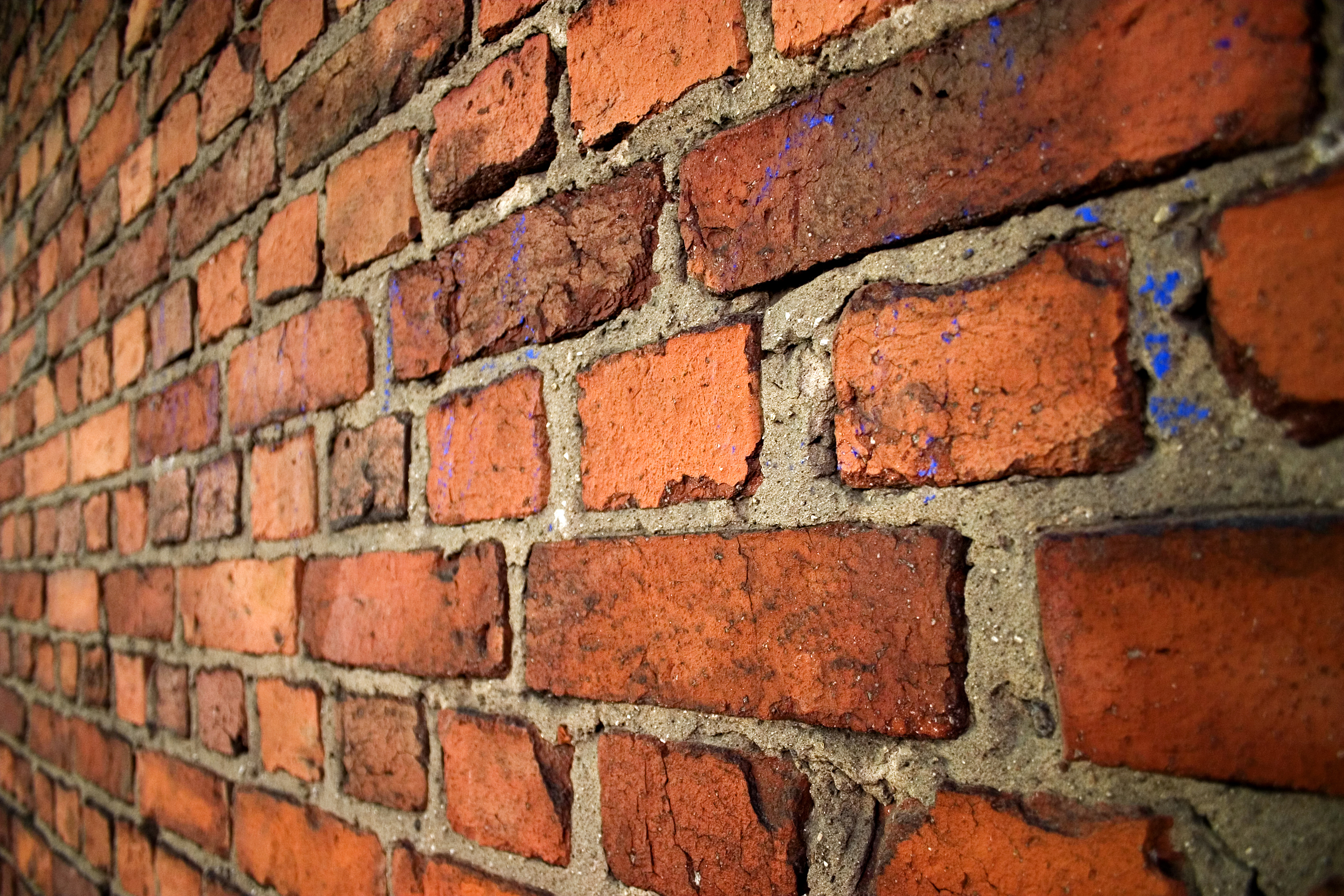
Could a feature be added where you can rotate objects three dimensionally? So if I wanted to add text to this wall: http://upload.wikimedia.org/wikipedia/commons/8/83/Concrete_wall.jpg …and have the text look like it’s actually written on the wall, by “pushing” the left side of the text box “into” the background. If this was just a discreet button the keyboard that would be fine, kind of like Shift for stretching. Cheers.

Hi Daniel, Thanks for contacting us! This is an excellent suggestion, and one we will look at including in the Ribbet Text tool in a future version.
As of right now, you can achieve this through the Pro Editor tool:
1. Head to the Pro tab > Pro Editor tool > Pixlr Editor
2. Add the text and resize it as closely as possible to the size you desire
3. Select from the menu Layer > Rasterize Layer
4. Select from the menu Edit > Free Distort…
5. Move the corners to achieve the desired effect
6. Choose from the menu File > Save > OK
Let us know if we can be of any further assistance!