Ribbet launches new, worldwide emerging photographer competition
Ribbet, the photo editing platform trusted by over 2 million creatives worldwide, has launched the first season of its new, annual Ribbet Emerging Photographer Competition.


Ribbet, the photo editing platform trusted by over 2 million creatives worldwide, has launched the first season of its new, annual Ribbet Emerging Photographer Competition.

In this tutorial you will learn how to use the Levels tool. First open your image in Ribbet and then follow these steps: Select Levels from the Pro menu Move the black slider right to increase shadows Move the white slider left to increase highlights Use the grey slider to adjust mid-tones Move the black Output Levels…
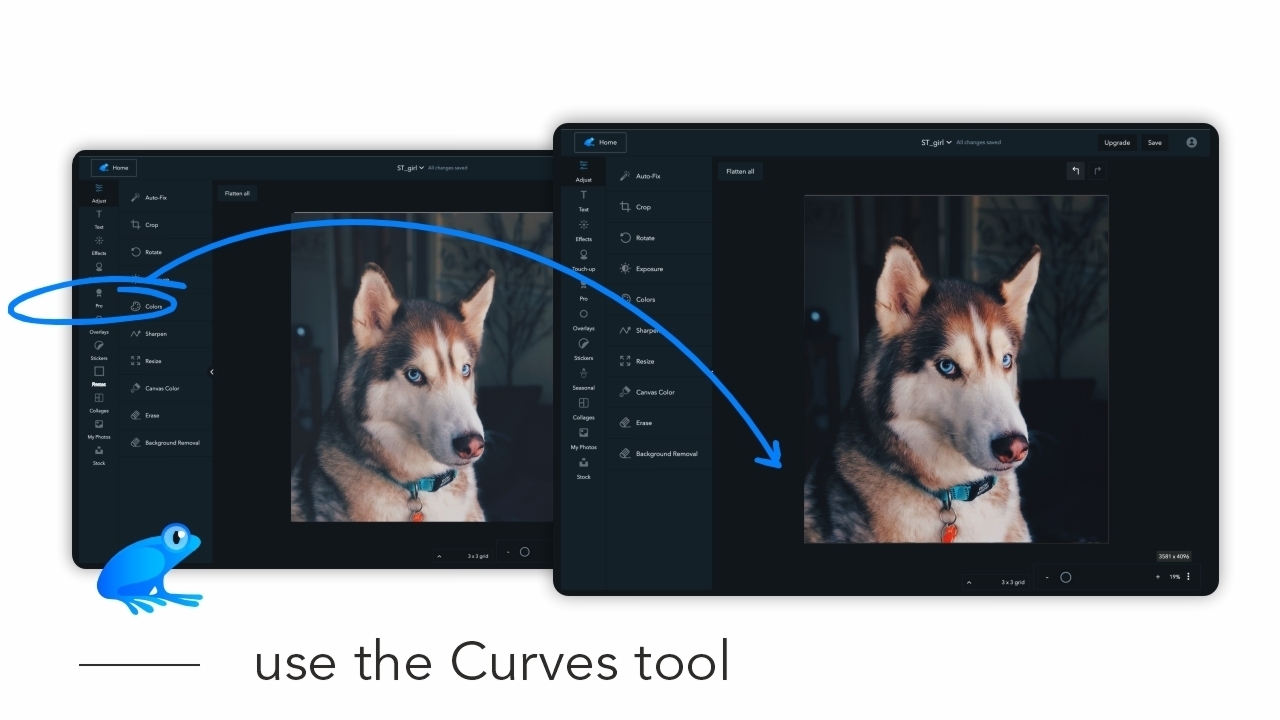
In this tutorial you will learn how to use the Curves tool. First open your image in Ribbet and then follow these steps: Select Curves from the Pro menu Drag the middle of the line up/left to increase exposure Do the opposite to decrease exposure Drag the top right circle down to flatten whites Drag the bottom…

In this tutorial you will learn how to use the Pro Adjust tool. First open your image in Ribbet and then follow these steps: Select Pro Adjust from the Pro menu Optionally, adjust the sliders or click Auto Exposure Select Paint to erase parts of the applied effect Adjust the Brush Size, Hardness and Strength sliders Paint…
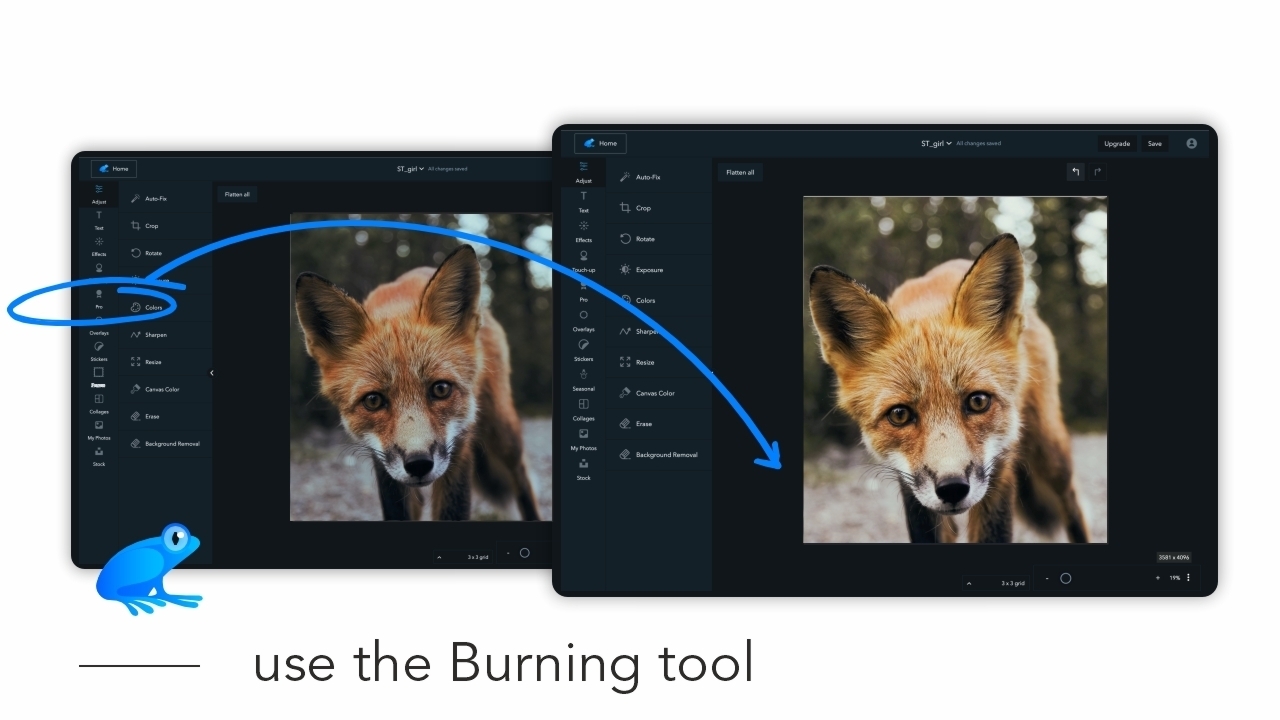
In this tutorial you will learn how to use the Burning tool. First open your image in Ribbet and then follow these steps: Select Burning from the Pro menu Adjust the Brush Size Zoom into your image Select Move to focus on the part you want to burn Select Highlights to make light areas darker Paint over…
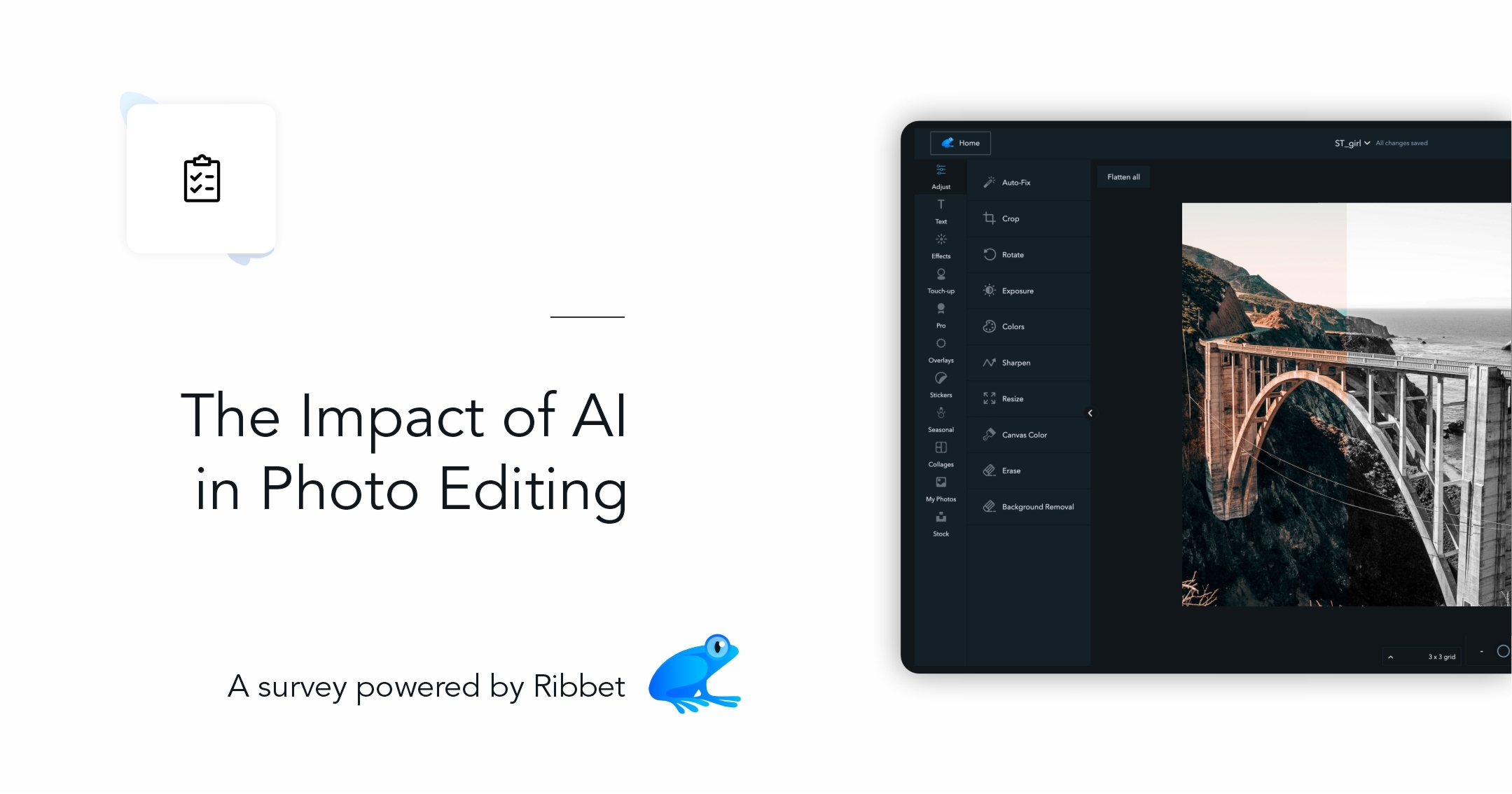
Complete the survey and win 30 days of Ribbet Premium membership!
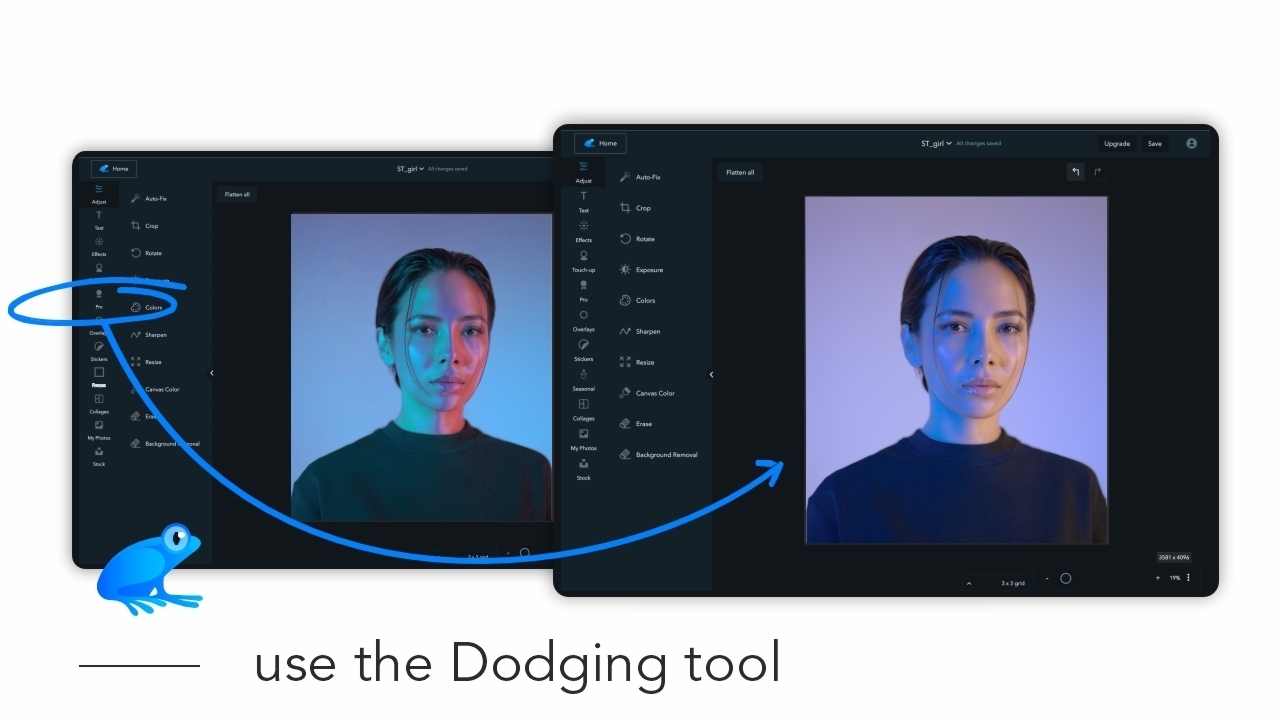
In this tutorial you will learn how to use the Dodging tool. First open your image in Ribbet and then follow these steps: Select Dodging from the Pro menu on the left bar Adjust the Brush Size on the right panel Zoom into your image Select Move on the right panel to focus on the part you…
