Skip to content

  • Home
  • Blog
  • Tutorials
  • Forum
  • Start Creating
  • Add a little magic
    Uncategorized

    Add a little magic

    ByRibbet March 5, 2019February 22, 2022

    Add a little magic to your photos with Ribbet’s new Overlays section, featuring effects like Bokeh, Light Leaks, Vignette and Gradients. Available now on desktop and web

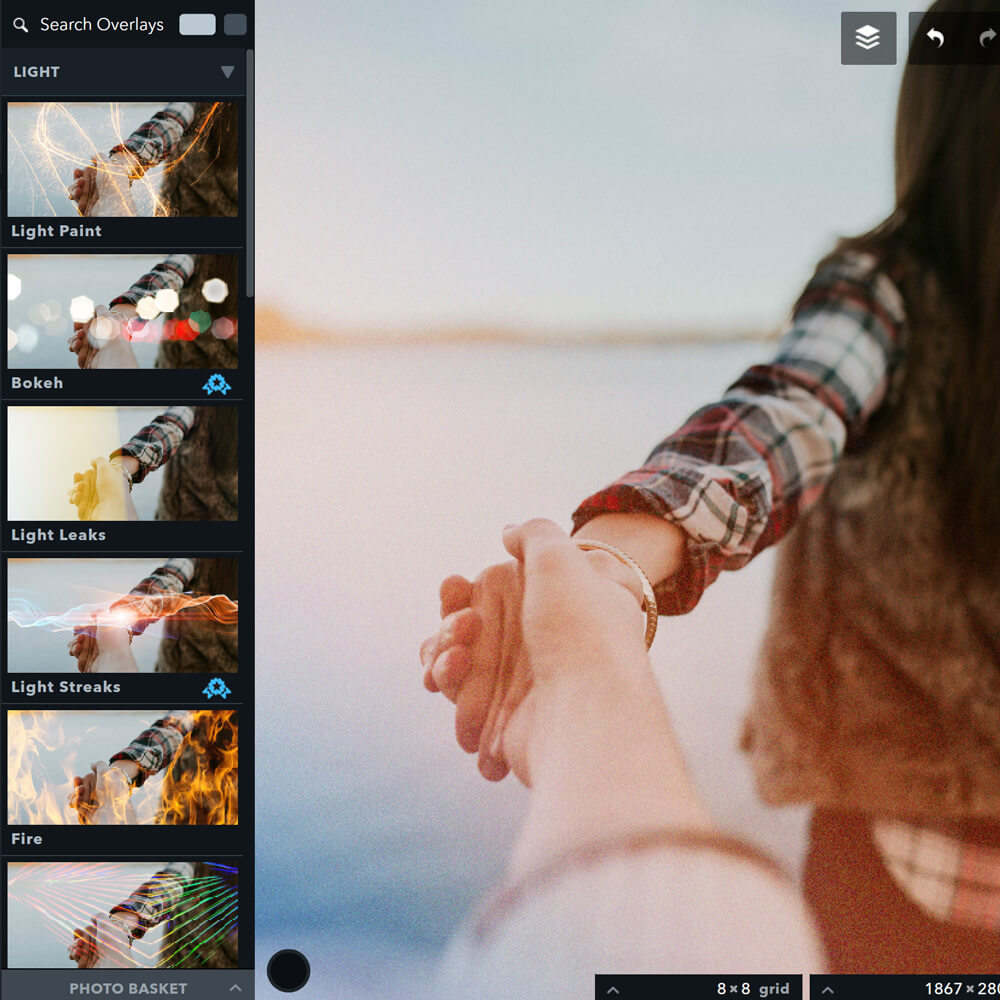
    Read More Add a little magicContinue

  • Introducing Ribbet Fly
    Announcements | New Features

    Introducing Ribbet Fly

    ByRibbet November 3, 2018February 22, 2022

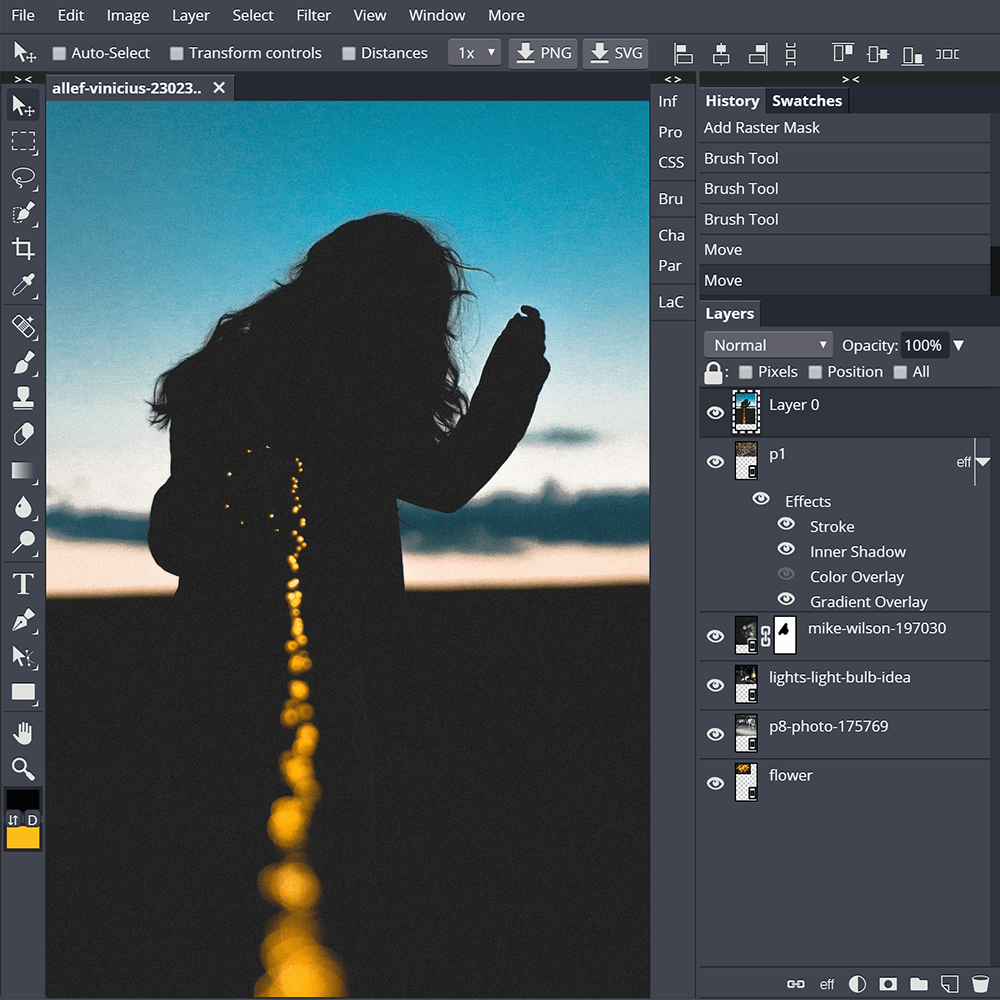
    Photoshop images right in your browser – free. Introducing Ribbet Fly: ribbet.com/fly With full PSD and Sketch support.
    Read More Introducing Ribbet FlyContinue

  • 2018 Halloween Photo Editing Contest
    Uncategorized

    2018 Halloween Photo Editing Contest

    ByRibbet October 17, 2018February 22, 2022

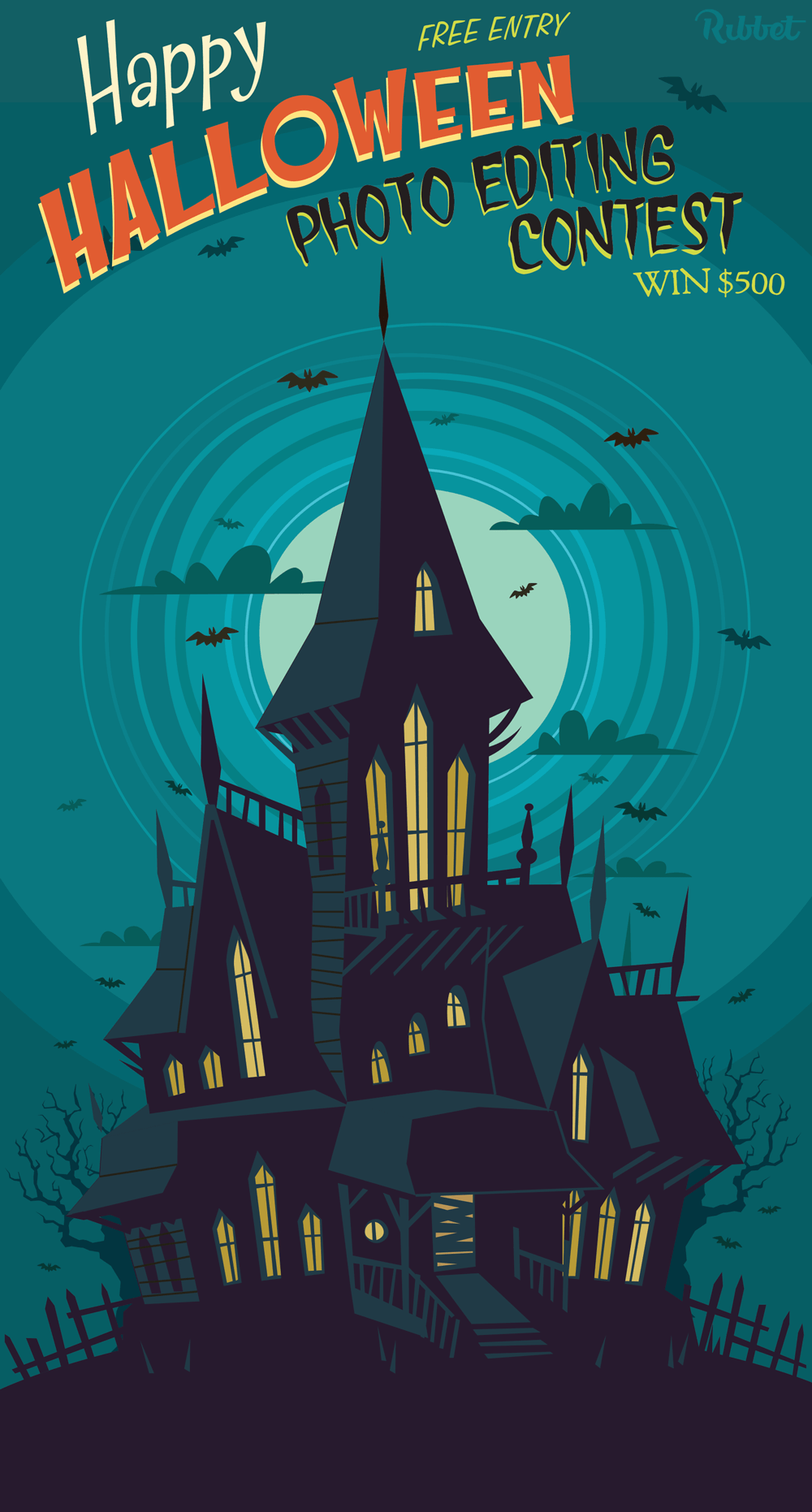
    Our 2018 Halloween Photo Editing Contest is now live. Free to enter, open to all ages and countries, and $1,000 in cash prizes to be won. Best of all it’s a lot of fun. Enter on our Facebook page here.

    Read More 2018 Halloween Photo Editing ContestContinue

  • Grid and Snap alignment tools
    Uncategorized

    Grid and Snap alignment tools

    ByRibbet August 15, 2018February 22, 2022

    Get creative with precision! Ribbet’s new Grid and Snap alignment tools let you perfectly align your text, sticker and photo layers. Available now on Ribbet for web. Also new in the latest update: – Custom ratios for Crop, Blank Canvas and Grid Collage let you fix to any print size or dimensions (e.g. 5×11″ or…

    Read More Grid and Snap alignment toolsContinue

  • New to Ribbet for iOS
    Uncategorized

    New to Ribbet for iOS

    ByRibbet June 20, 2018February 22, 2022

    New today in our latest update to the Ribbet iOS app: Plastic Surgery tool to sculpt with Scalpel / Botox / Lipo Sketch tool with Blend Modes Blank Canvas to start from scratch Square Frame to give perfect proportions

    Read More New to Ribbet for iOSContinue

  • Tips and tricks #2
    Tips and Tricks

    Tips and tricks #2

    ByRibbet April 20, 2018February 22, 2022

    Welcome to the 2nd ever installation of Ribbet Tips and Tricks! This time we’ll be focusing on some of the most useful features of of our new interface: – Light and Dark Themes: You can switch between light and dark themes by clicking the 2 circles up the top right of our new editor. The…

    Read More Tips and tricks #2Continue

  • New editor improvements
    Announcements

    New editor improvements

    ByRibbet February 19, 2018February 22, 2022

    Based on your feedback we’ve made lots of improvements to the new Ribbet editor, including a toggle at the top of the effects list to switch to smaller effect thumbnails. Try it out!

    Read More New editor improvementsContinue

Page navigation

Previous PagePrevious 1 … 8 9 10 11 12 … 16 Next PageNext

Recent Posts

  • Bulk Editor – BETA invite & Release notes
  • Have your Product photos stand out on ETSY
  • Adjustment Tools: How to Sharpen your Pet’s Photos
  • Ribbet Guide to Photography: How to do a Boho themed Family Photo
  • Ribbet announces the 3 winners of its 2023 Emerging Photographer Competition!

Recent Comments

  • zuzubird on Have your Product photos stand out on ETSY
  • zuzubird on How to change the Canvas color
  • Ribbet on How to change the Canvas color
  • zuzubird on How to change the Canvas color
  • Olivia on Ribbet launches Ribbet.ai, a suite of free AI-powered photo editing tools

Archives

Categories

© 2026 Ribbet

Cleantalk Pixel
  • Home
  • Blog
  • Tutorials
  • Forum
  • Start Creating