
Meet Ribbet Studio, our new powerful photo editor
Hi everyone!
Today I finally get to show you what Ribbet has been developing in the darkroom (pun intended) for the past two years.
This is a big milestone for us. The first step towards more ambitious updates for photo hobbyists, professional photographers, and anyone who just needs to put their photo editing hat on once in a while.
So without further ado, meet Ribbet’s Studio Editor.
The Studio Editor goes beyond what our Classic Editor and basically any browser-based photo editors can do;
No more downsizing your photos.
Edit your photos and export them at their original size. So that’s full resolution, upload to download, without any loss in quality.
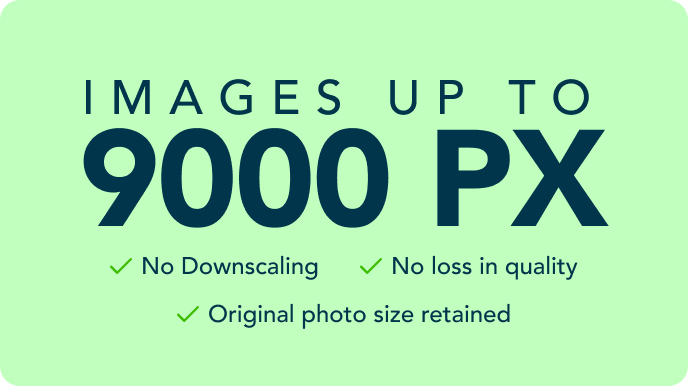
Edit your photos and export them at their original size. So that’s full resolution, upload to download, without any loss in quality.
No more “editing one photo at a time” loop.
Bring in every photo from your summer vacation, your kid’s first day back at school, or your shop’s product photos, and edit all of them in one single project or session.
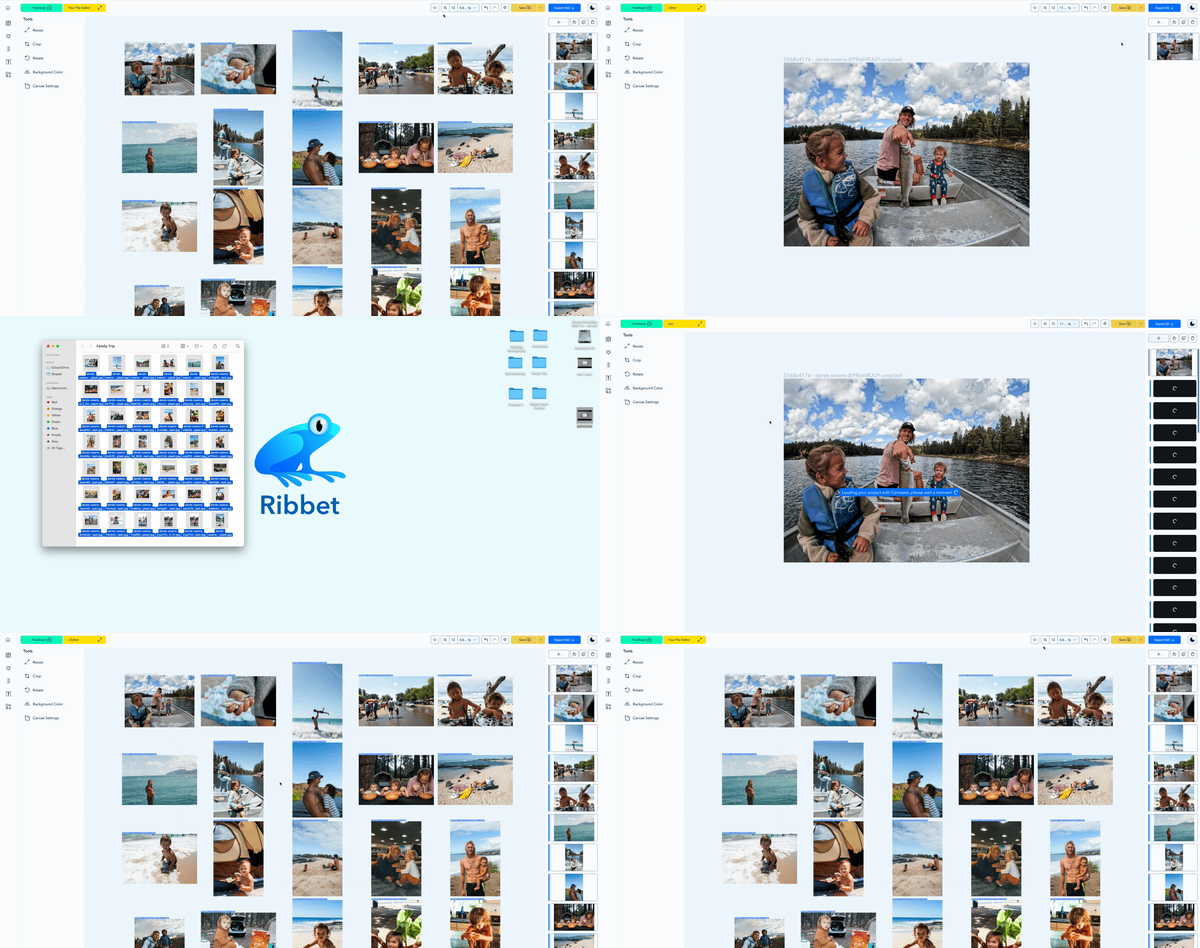
No more need for editing one photo at a time. Keep your editing efforts contained in one project.
Bulk editing (aka the Time Slayer)
Every editing tool now works with the bulk feature with as many photos you want.
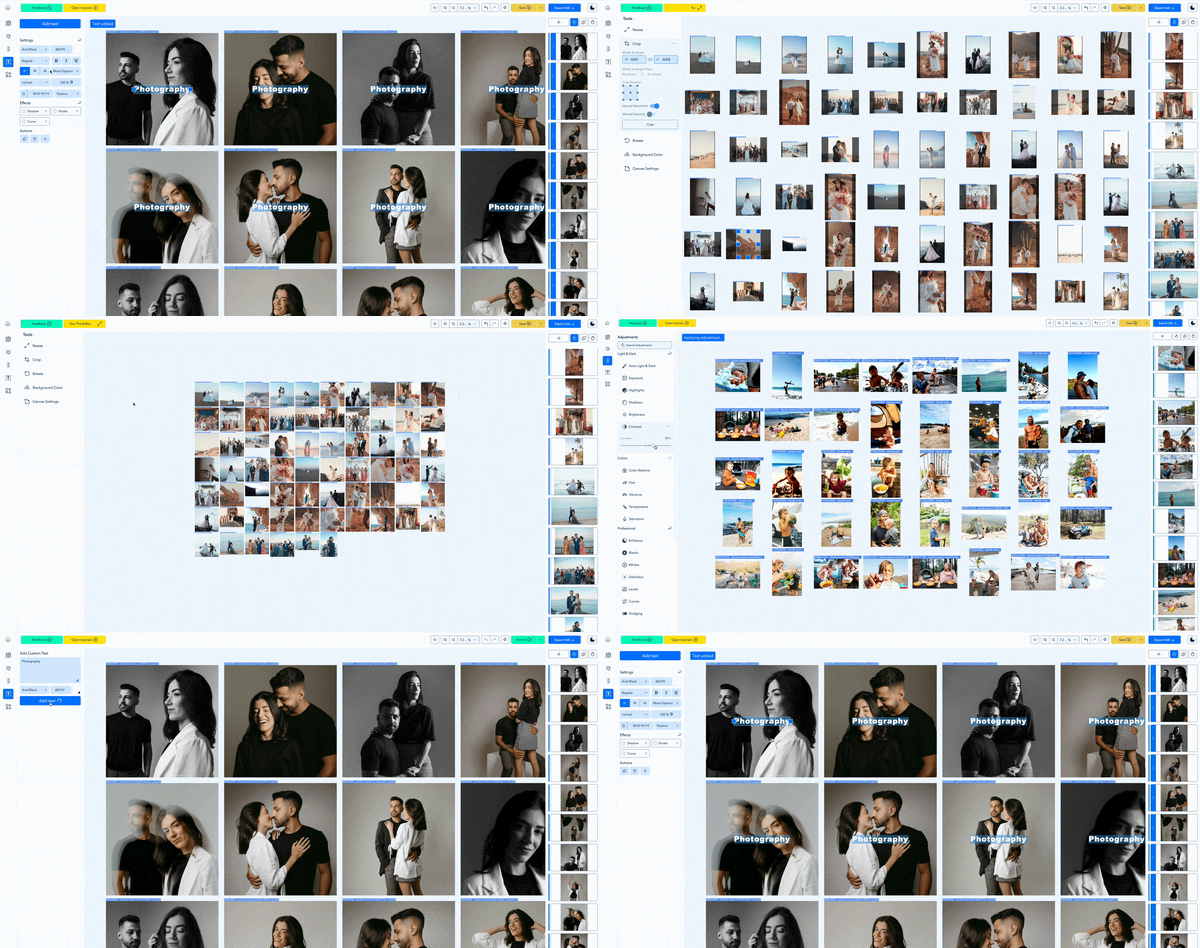
Resize or crop hundreds of photos with only one action. Add a watermark to all of them. Brighten a set of cloudy-day photos from the park in 1 minute, not 1 hour.
And if only one photo needs its own touch, edit it on its own. It’s your call. Full freedom baby!
What else?
We’ve also snuck in a bunch of smaller upgrades too:
- A dozen new adjustment tools
- An expanded commercial free font library
- Upload your own fonts from your computer
Getting started with Studio
You can access the Studio Editor from any web browser on a laptop or desktop computer with no extra software installation needed.
All you need to do is go to Ribbet.com, sign up for a Studio Paid plan, and start a session by clicking “+ Studio Project”.
To help you find your way around the Studio Editor, we’ve created a set of short and helpful video tutorials on our Youtube channel or you can look at our step by step instructions here
Thanks for being part of the Ribbet community. We’ve got more updates coming in the next few weeks, so stay tuned.
Got a question or some feedback? Just leave a comment below!
Happy editing!
Jasson
