Eraser Tool
- This topic has 0 replies, 1 voice, and was last updated 13 years, 7 months ago by
.
- The forum ‘Collage, Layers & Blend Modes’ is closed to new topics and replies.

Home / Forums / Help / How to: Program version / Collage, Layers & Blend Modes / Eraser Tool
Ribbet.
The Eraser Tool let you delete areas on Stickers, Frames, Textures and other Images that you’ve added from the Photo Basket.
1. Add a Sticker, Frame, Texture or a Layered Image (using the Photo Basket) to your photo.
2. Click on that object to show the ‘Properties’ box.
3. Click on the Eraser Tool Icon:
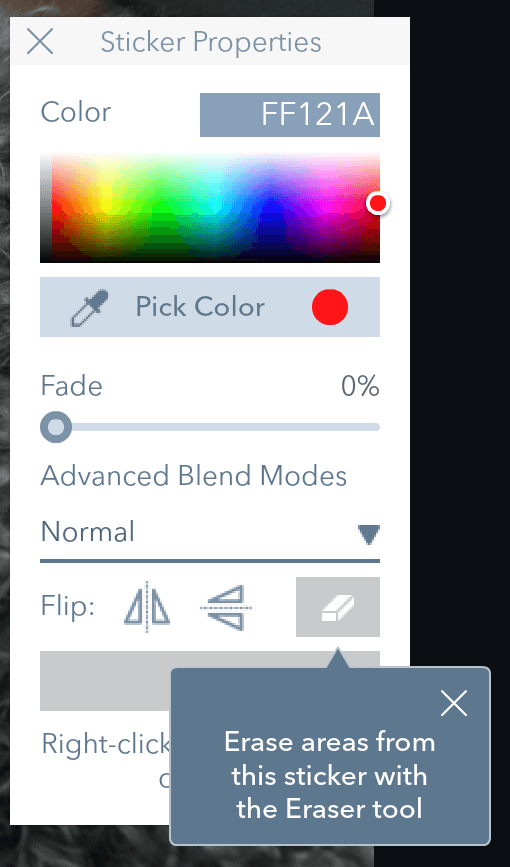
4. Drag the mouse over the object to delete parts of it.
5. Click the Original button to paint back the original object.
